
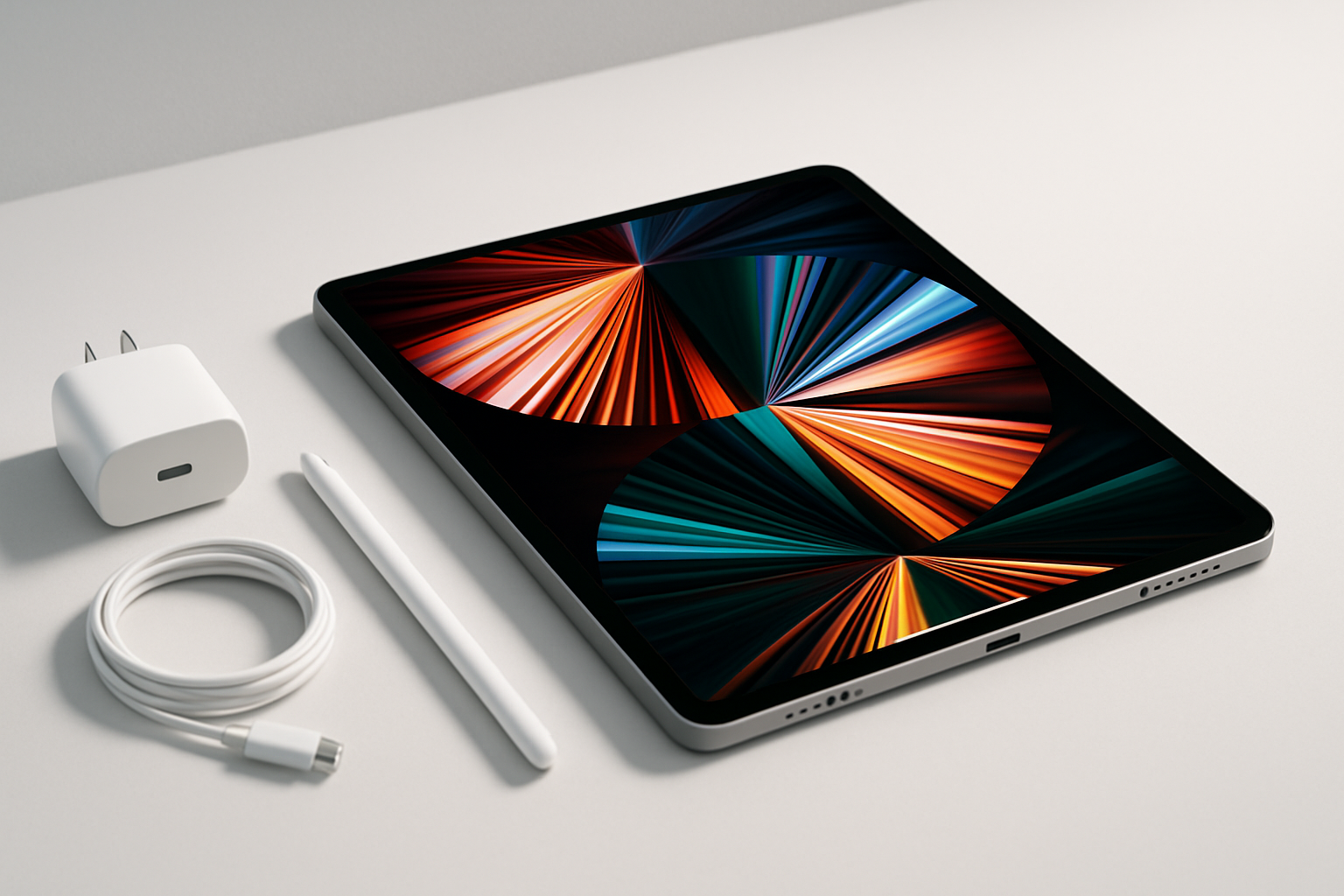
If you want to sell iPad, it can be a great way to earn money and make space at home. Many people also search for used iPads for sell, so there are buyers out there. But before you sell my iPad or sell old iPad, you should prepare it the right way. This guide explains each step in simple English so anyone can follow it.
Check what iPad you have before you sell
Before you list your iPad, find its exact details. This helps you set the right price and answer buyer questions.
Find your iPad model and storage
Go to:
Settings → General → About
Look for:
- Model Name
- Storage (like 64GB, 128GB)
- iPadOS version
Check the condition honestly
Check:
- Screen scratches or cracks
- Dents on corners
- Battery life
- Buttons and speakers
- Camera quality
- Charging port
If there is damage, mention it clearly. Honest listings sell faster because buyers trust you.
Back up your iPad data
Before you erase anything, save your photos, contacts, and files.
Use a backup method
You can back up to:
- Cloud backup
- Computer backup
Make sure the backup is complete before moving to the next steps.
How to erase iPad before selling
This is very important. If you skip it, your personal data might still be on the iPad.
Step 1: Sign out of your account
Go to:
Settings → Your Name → Sign Out
This removes your account from the iPad.
Step 2: Turn off device tracking
Make sure tracking features are turned off so the iPad is not locked to you.
Step 3: Erase all content and settings
Go to:
Settings → General → Transfer or Reset iPad → Erase All Content and Settings
Wait for it to finish. When done, the iPad should show the setup screen.
Step 4: Remove SIM card (if your iPad has one)
If it is a cellular iPad, remove the SIM card and keep it.
Clean and prepare your iPad for sale
A clean iPad looks better in photos and helps you sell faster.
Quick cleaning tips
- Turn off the iPad
- Remove the case and screen protector
- Wipe with a soft cloth
- Clean the edges gently
Gather accessories
If you have these, include them:
- Charger and cable
- Box (if available)
- Case (optional)
Accessories can help you get a slightly higher price.
Used iPads for sell: how to take good photos
Photos matter a lot when selling online.
Take these photos
- Screen on (home screen)
- Screen off (to show scratches)
- Back of the iPad
- Sides and corners
- Charging port
- Accessories included
- Any damage (close-up)
Use bright light and avoid blurry images.
Sell my iPad: write a simple listing that buyers trust
Keep your listing short, clear, and honest.
What to include
- iPad model name
- Storage size
- Wi-Fi only or Wi-Fi + cellular
- Condition
- What’s included (charger, box, case)
- Any problems (if any)
Example style:
“iPad (model name), 128GB, Wi-Fi, good condition, small scratches, includes charger.”
Sell old iPad: choose the best way to sell
There are a few common ways to sell an iPad.
Sell directly to a buyer
This often gives the best price, but it requires more effort.
Pros
- Higher money
- You control the deal
Cons
- Need to meet or ship
- More scam risk
Sell to a shop or reseller
This is faster, but the offer may be lower.
Pros
- Quick and easy
- Less messaging and bargaining
Cons
-
Lower payout
Trade-in option
Trade-in gives store credit or discounts on a new device.
Pros
- Very easy
- Safe process
Cons
-
Usually less money than direct selling
Stay safe while selling
Safety is important, especially if meeting a buyer.
Safe meeting tips
- Meet in a public place
- Meet during the day
- Bring a friend if possible
- Do not share your home address
Payment safety
- Confirm payment before handing over the iPad
- Be careful with screenshots as proof
- Count cash carefully if using cash
Never share passwords or account codes.
Price your iPad the smart way
Pricing too high can stop buyers. Pricing too low makes you lose money.
Simple pricing tips
- Compare similar iPads with same model and storage
- Lower the price if it has damage or weak battery
- Price slightly higher if you include accessories
Decide your lowest price before talking to buyers.
Final checklist before you give the iPad away
Use this list right before the sale:
- Backup done
- Signed out of your account
- Tracking turned off
- iPad erased
- SIM removed (if any)
- Setup screen shows “Hello”
- Payment received and confirmed
Conclusion
To sell iPad safely and easily, first check the model and condition, then back up your data, and erase the iPad properly. Clean it, take clear photos, and write an honest listing so people looking for used iPads for sell can trust you. Whether you want to sell my iPad quickly or sell old iPad for the best price, these steps will help you sell with confidence and keep your data safe.

 English
 Arabic
 French
 Spanish
 Portuguese
 Deutsch
 Turkish
 Dutch
Dutch
 Russian
 Romaian
 Portuguese (Brazil)
 Greek
Greek
Warning: Undefined array key "_is_photo" in /home/senmarri/public_html/friend24.in/content/themes/default/templates_compiled/9ea4999d05077b6b690d81624544cd64a51b1299_0.file.__feeds_post.comments.tpl.php on line 27
Warning: Attempt to read property "value" on null in /home/senmarri/public_html/friend24.in/content/themes/default/templates_compiled/9ea4999d05077b6b690d81624544cd64a51b1299_0.file.__feeds_post.comments.tpl.php on line 27
" style="background-image:url(
Warning: Undefined array key "user_picture" in /home/senmarri/public_html/friend24.in/content/themes/default/templates_compiled/19bd7b5d2fc32801d9316dbc2d8c5b25c99e72c3_0.file.__feeds_comment.form.tpl.php on line 31
);">
/home/senmarri/public_html/friend24.in/content/themes/default/templates_compiled/9ea4999d05077b6b690d81624544cd64a51b1299_0.file.__feeds_post.comments.tpl.php on line 128
Warning: Attempt to read property "value" on null in /home/senmarri/public_html/friend24.in/content/themes/default/templates_compiled/9ea4999d05077b6b690d81624544cd64a51b1299_0.file.__feeds_post.comments.tpl.php on line 128
">