
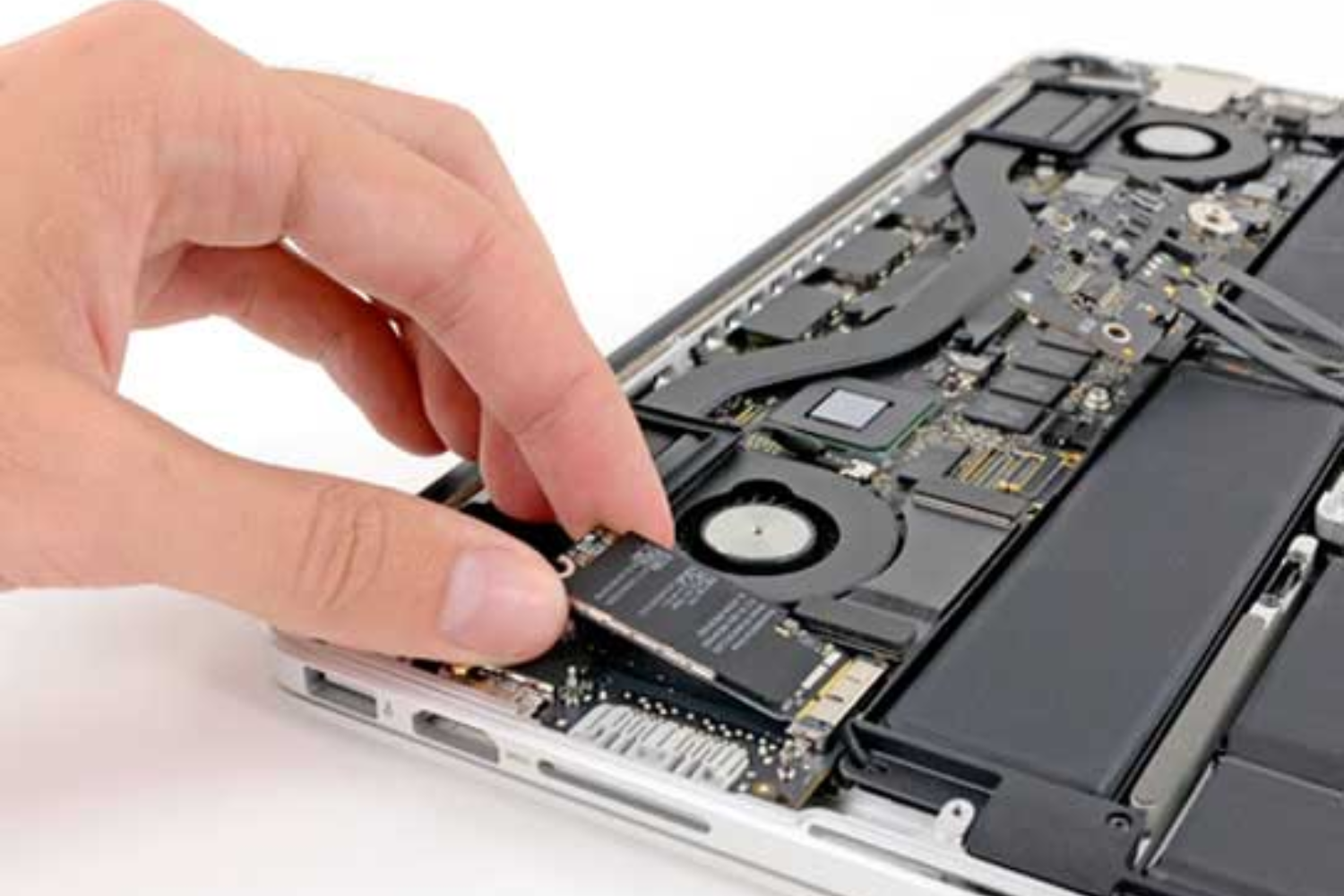
MacBooks are renowned for their sleek design, performance, and longevity. However, like any electronic device, MacBook batteries naturally degrade over time. If you notice your device shutting down unexpectedly, running slower than usual, or refusing to hold a charge, it may be time for a MacBook Battery Replacement.
Whether you use your MacBook for work, school, or creative projects, a failing battery can significantly affect productivity. Recognizing the signs early and seeking professional replacement services ensures your device remains reliable and efficient.
Understanding MacBook Batteries
MacBooks use lithium-ion batteries designed to deliver long-lasting performance. Over time, these batteries lose their maximum capacity due to repeated charge cycles. Typically, Apple MacBook batteries are rated for around 1,000 full charge cycles, but actual lifespan may vary depending on usage patterns, charging habits, and environmental factors.
Battery degradation can lead to reduced runtime, slower performance, and even hardware stress if left unaddressed. Professional battery replacement restores battery health, ensuring consistent performance and reliability.
Common Signs Your MacBook Needs a Battery Replacement
Identifying early warning signs is crucial. Here are the most common indicators:
1. Rapid Battery Drain
If your fully charged MacBook loses power unusually fast, it could indicate battery wear. Even light usage may result in a significant drop in battery percentage, signaling the need for replacement.
2. Unexpected Shutdowns
A failing battery may cause your MacBook to shut down suddenly, even when it displays a remaining charge. These unexpected shutdowns can disrupt work and potentially cause data loss.
3. Overheating
Older or degraded batteries can generate excess heat, causing your MacBook to become warm or hot even during normal usage. Overheating may also impact other components, reducing overall device performance.
4. Slow Charging or Failure to Charge
Charging issues, such as slow charging, failure to reach 100%, or the device not recognizing the charger, often indicate battery problems. Attempting to use third-party chargers can worsen these issues.
5. Battery Health Warnings
macOS includes a battery health feature accessible via System Preferences → Battery → Battery Health. Warnings such as “Service Recommended” indicate your MacBook battery is no longer performing optimally.
How to Check MacBook Battery Health
macOS provides tools to monitor battery health:
-
Battery Cycle Count: Shows the number of charge cycles used. Exceeding 1,000 cycles typically signals replacement is needed.
-
Battery Condition Status: Displays one of four statuses: Normal, Replace Soon, Replace Now, or Service Battery.
-
System Diagnostics: Apple technicians use professional diagnostics to assess battery performance accurately.
Monitoring these metrics helps you make informed decisions regarding professional MacBook Battery Replacement.
Why You Should Replace a MacBook Battery
Battery replacement is more than just convenience—it affects the overall longevity and efficiency of your MacBook.
1. Restore Battery Life
A new battery restores full charge capacity, allowing you to use your MacBook for longer periods without plugging in.
2. Improve Device Performance
Degraded batteries can cause performance throttling. Replacing the battery stabilizes power delivery, improving system speed and responsiveness.
3. Prevent Hardware Damage
A failing battery may swell, leak, or overheat, potentially damaging other internal components. Timely replacement reduces these risks.
4. Cost-Effective Solution
Replacing the battery is often cheaper than buying a new MacBook while extending the usability of your current device.
Professional MacBook Battery Replacement Services
Authorized service centers and professional technicians in Dubai offer reliable MacBook Battery Replacement services. Here’s what they provide:
-
Genuine Apple Batteries: Ensures safety, efficiency, and longevity.
-
Certified Technicians: Handle all MacBook models with professional expertise.
-
Warranty: Most replacements come with a service warranty for peace of mind.
-
Data Protection: Personal files are secured during repairs.
Using professional services ensures your MacBook is repaired safely, efficiently, and with long-lasting results.
Signs You May Need Replacement Soon
Some issues indicate that while your MacBook may still function, replacement is recommended in the near future:
-
Battery Swelling: Physical expansion of the battery can lift the trackpad or chassis.
-
Shortened Runtime: Noticeable decrease in how long your MacBook lasts on a full charge.
-
Frequent Thermal Warnings: Overheating notifications appear more often.
-
Inconsistent Power Levels: Sudden drops or jumps in battery percentage.
Addressing these issues early prevents data loss, device stress, and further hardware problems.
Tips to Maintain Battery Health
Once you replace your MacBook battery, proper care extends its lifespan:
-
Avoid exposing your MacBook to extreme heat or cold.
-
Use the original charger and avoid cheap third-party adapters.
-
Avoid leaving your MacBook plugged in 24/7 constantly; partial charging is better for lithium-ion batteries.
-
Keep macOS updated for improved battery management.
-
Calibrate your battery occasionally if recommended by Apple.
FAQs
How long does a MacBook battery last before replacement?
Typically, MacBook batteries last 3–5 years depending on usage, charging habits, and care.
Can I replace my MacBook battery myself?
While technically possible, DIY replacement carries risks like damaging internal components or voiding warranties. Professional replacement is recommended.
How do I know if my MacBook battery is failing?
Check System Preferences → Battery → Battery Health, look for physical swelling, or monitor rapid battery drain and unexpected shutdowns.
Does replacing the battery improve performance?
Yes, replacing a degraded battery ensures stable power delivery, reduces throttling, and improves overall device performance.
Are the replacement batteries genuine Apple parts?
Professional service centers and Apple-authorized centers provide genuine Apple batteries for safe, long-lasting performance.
Conclusion
MacBook battery issues can disrupt productivity, performance, and even device safety. Recognizing the signs early, monitoring battery health, and seeking professional MacBook Battery Replacement ensures your device continues operating at peak efficiency.
For trusted, high-quality battery replacement services in Dubai, istore dubai provides expert solutions with genuine parts, certified technicians, and secure handling, keeping your MacBook reliable and fully functional for years to come.

 Arabic
 French
 Spanish
 Portuguese
 Deutsch
 Turkish
 Dutch
Dutch
 Italiano
 Russian
 Romaian
 Portuguese (Brazil)
 Greek
Greek
Warning: Undefined array key "_is_photo" in /home/senmarri/public_html/friend24.in/content/themes/default/templates_compiled/9ea4999d05077b6b690d81624544cd64a51b1299_0.file.__feeds_post.comments.tpl.php on line 27
Warning: Attempt to read property "value" on null in /home/senmarri/public_html/friend24.in/content/themes/default/templates_compiled/9ea4999d05077b6b690d81624544cd64a51b1299_0.file.__feeds_post.comments.tpl.php on line 27
" style="background-image:url(
Warning: Undefined array key "user_picture" in /home/senmarri/public_html/friend24.in/content/themes/default/templates_compiled/19bd7b5d2fc32801d9316dbc2d8c5b25c99e72c3_0.file.__feeds_comment.form.tpl.php on line 31
);">
/home/senmarri/public_html/friend24.in/content/themes/default/templates_compiled/9ea4999d05077b6b690d81624544cd64a51b1299_0.file.__feeds_post.comments.tpl.php on line 128
Warning: Attempt to read property "value" on null in /home/senmarri/public_html/friend24.in/content/themes/default/templates_compiled/9ea4999d05077b6b690d81624544cd64a51b1299_0.file.__feeds_post.comments.tpl.php on line 128
">